Quick Comparison
Overview| Software | Platform | Similarity to Microsoft 365 | License | Download / Use |
|---|---|---|---|---|
| WordCraft | Not specified | 70% | Not specified | View profile ↗ |
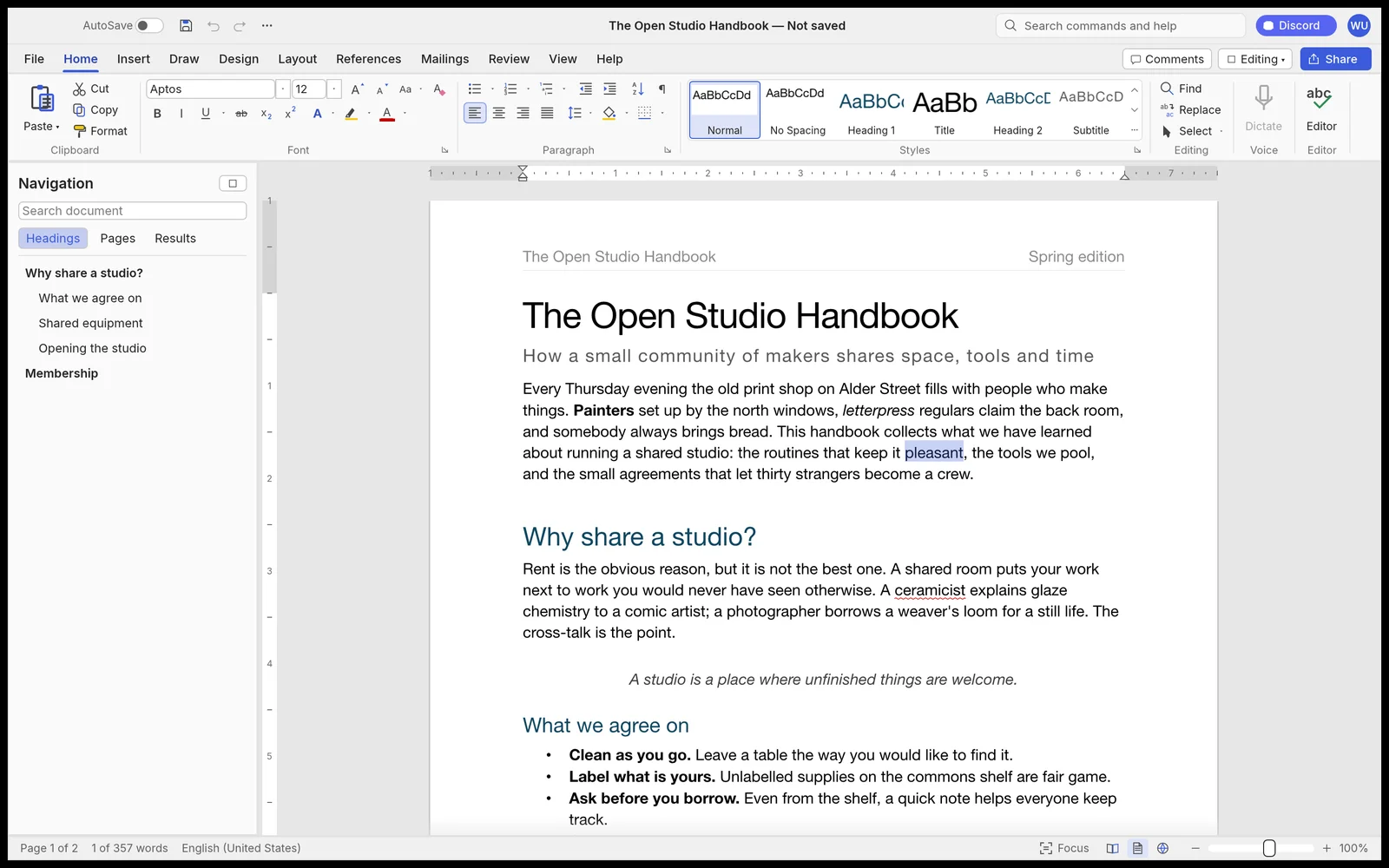
If you’re comfortable with Microsoft Word but still wish for something lighter, completely free, and capable of running natively on Linux — or even directly in the browser — Wordcraft from the ArtCraft team is one of the more interesting projects currently in development. What Is Wordcraft? Wordcraft is an open-source effort to recreate the […]
Pros
- Single codebase runs on macOS, Windows, Linux, BSD, and the browser via WebAssembly — no Electron
- Extremely fast performance (relayout of a 188-page document in ~1.4 ms)
- Open-source with solid core features: .docx support, track changes, comments, citations, and offline spell/grammar check
Cons
- Still near-alpha stage with only ~62% feature parity to Microsoft Word
- Not stable or complete enough for important or production documents
- Interface still feels rough in places (dense ribbon, clunky font/size controls, high vertical space usage)
Advertisement · In-articleIn-article advertisement placement
Frequently Asked Questions
How do I choose the right alternative?
Compare your workflow, platform, file formats, and licensing needs. Open each software profile for more details.
Do these tools offer exactly the same features?
Features vary between tools. Test an alternative with a sample project before moving your workflow.
Leave a Comment